



















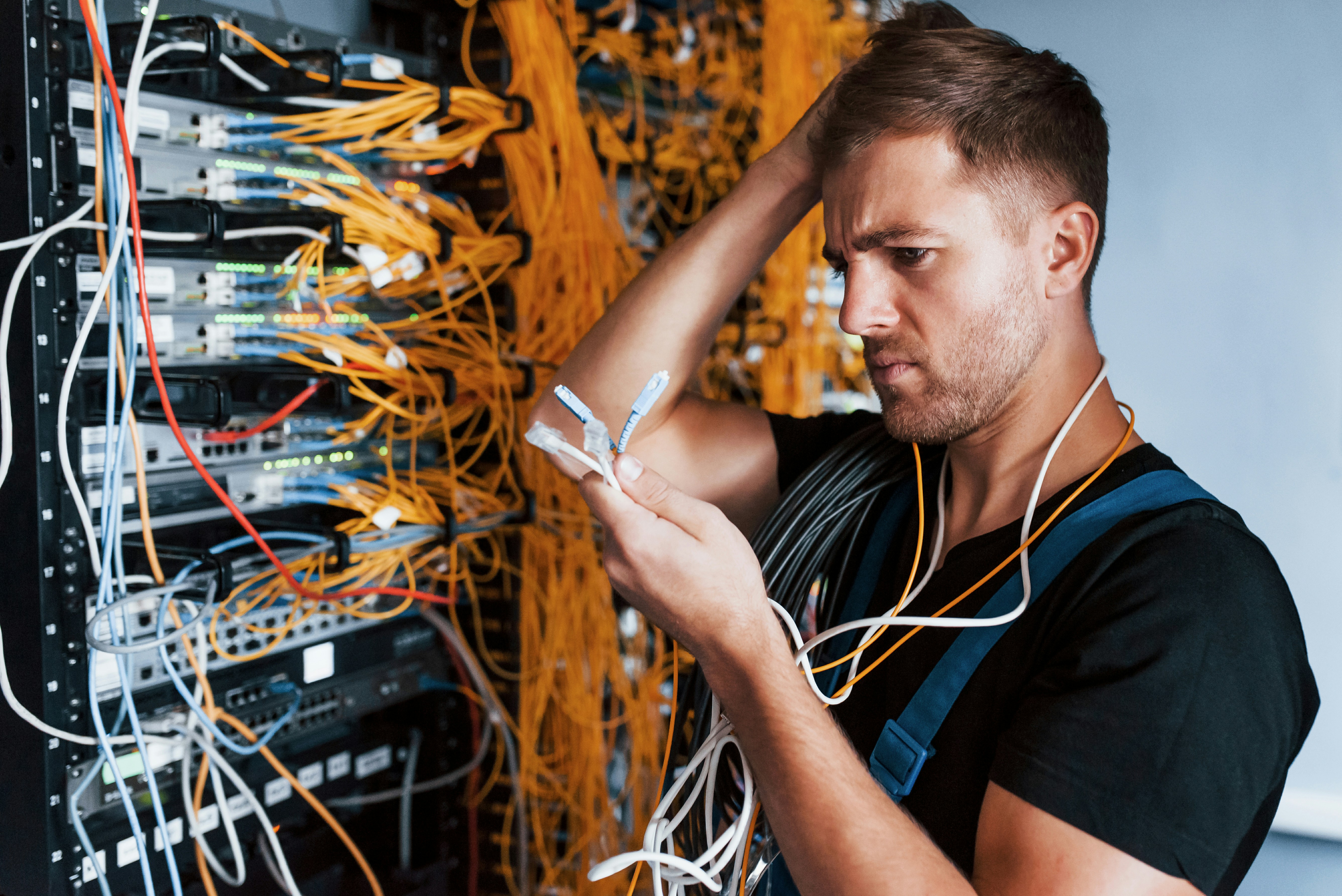


For many businesses, the server sits quietly in the background, rarely attracting attention unless something goes wrong. As long as employees can access files, log into systems and run applications, it is easy to assume everything is working as it should.
The reality is that servers often become outdated gradually rather than failing suddenly. Performance declines little by little, storage fills up over time and newer software places increasing demands on ageing hardware. Because these changes happen slowly, businesses frequently adapt to them without realising how much efficiency they are losing.
Recognising the signs that your existing server is no longer meeting your needs can help you avoid costly downtime and ensure your IT infrastructure continues supporting future growth.
- Your Employees Are Waiting More Than They Should
Every business experiences the occasional delay when opening a large file or launching an application. However, if employees regularly find themselves waiting for systems to respond, your server may have become a bottleneck.
Slow login times, delayed database queries, lag when opening shared documents and sluggish application performance all reduce productivity. Individually these delays might seem insignificant, but when multiplied across an entire workforce every day, they can amount to many hours of lost time each month.
As businesses expand, servers are expected to handle more users, more applications and larger volumes of data than they were originally purchased for. Eventually, even dependable enterprise hardware reaches the point where demand consistently exceeds available resources.
- Storage Management Has Become a Constant Challenge
Many organisations underestimate how quickly their storage requirements grow.
Documents, photographs, video files, email archives, customer records and automated backups steadily consume available capacity. Before long, IT teams find themselves continually deleting old files or moving data simply to free enough space for daily operations.


Running close to maximum storage capacity is rarely ideal. It makes future planning more difficult and can even affect system performance depending on the workload.
If storage shortages have become an ongoing issue rather than an occasional inconvenience, it may indicate that your current infrastructure is no longer appropriate for the amount of information your business now manages.
- Your IT Team Is Spending More Time Maintaining Than Improving
Technology should enable progress, not consume valuable time through constant maintenance.
Older servers often require increasing attention as hardware components begin to age. Drives may fail more frequently, firmware updates become more complicated and sourcing replacement parts can take longer than expected.
When IT staff spend most of their time responding to hardware issues instead of improving systems, introducing automation or strengthening cybersecurity, the server is no longer delivering the value it once did.
Many businesses discover that replacing ageing hardware with professionally refurbished enterprise systems from suppliers such as EuroPC provides an opportunity to improve reliability while making better use of available budgets.
- New Software Is Beginning to Outpace Your Hardware
Business software evolves continuously.
Operating systems receive updates, security applications become more sophisticated and business platforms introduce features that demand additional processing power and memory.
While an older server may technically meet the minimum requirements, it may struggle to deliver acceptable performance once several modern applications are running simultaneously.
Virtualisation places particularly high demands on hardware. Hosting multiple virtual machines requires substantial processor resources and memory capacity. If your server is regularly operating close to its limits, introducing additional workloads may simply not be practical.
Planning upgrades before software performance becomes a serious issue allows businesses to introduce new technology with confidence rather than compromise.
- Business Growth Has Changed Your Requirements
The server your organisation purchased several years ago was chosen for the business you had at that time—not necessarily the business you have today.
Perhaps your workforce has doubled. Maybe more employees now work remotely, customer databases have expanded significantly or cloud services have become integrated with your local infrastructure.
Each of these developments increases the demands placed upon your server.
What was once comfortably capable of supporting daily operations may now be working at maximum capacity throughout the day, leaving very little room for future expansion.
Reviewing server performance whenever major business changes occur helps ensure your infrastructure continues supporting long-term objectives.
Think Beyond Today’s Problems
Upgrading a server should never be viewed simply as solving current performance issues.
It is equally important to consider where the business is heading over the next several years. Choosing hardware with sufficient memory capacity, processor performance and storage expansion options allows organisations to grow without repeatedly replacing infrastructure.
This forward-thinking approach often reduces long-term costs while avoiding unnecessary disruption as the business evolves.
Don’t Wait for Complete Failure
One of the most expensive mistakes businesses make is delaying replacement until the server stops working altogether.
Unexpected hardware failures rarely happen at convenient times. They can interrupt customer service, delay projects, affect staff productivity and place significant pressure on IT teams trying to restore operations quickly.
Replacing infrastructure proactively allows businesses to schedule migrations carefully, protect important data and minimise disruption.
An ageing server does not have to fail completely before it starts costing money. Slower performance, increasing maintenance, limited capacity and reduced reliability all carry hidden costs that affect productivity every day.
Recognising these warning signs early allows businesses to upgrade strategically rather than reactively. Whether choosing new enterprise hardware or a professionally refurbished alternative, investing at the right time ensures your server continues supporting the organisation instead of quietly holding it back.